

Blog
Push Buttons and Indicator Lights: Functions, Types, Parameters and Complete Selection Guide

Push Buttons and Indicator Lights: Functions, Types, Parameters and Complete Selection Guide
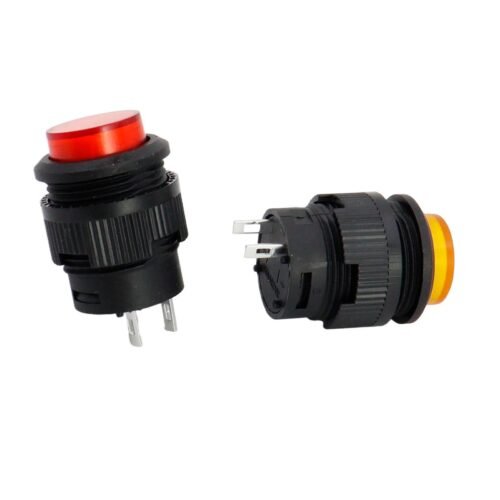
Push Button Switch and indicator light assemblies are the core human-machine interface in industrial automation, machinery, and electrical control panels. They handle start-stop control, status feedback, emergency protection, and operation prompts. This guide explains their functions, types, key parameters, selection steps, and installation tips for engineers, maintainers, and purchasers.
What Is a Push Button Switch and How Is It Different from a Switch?
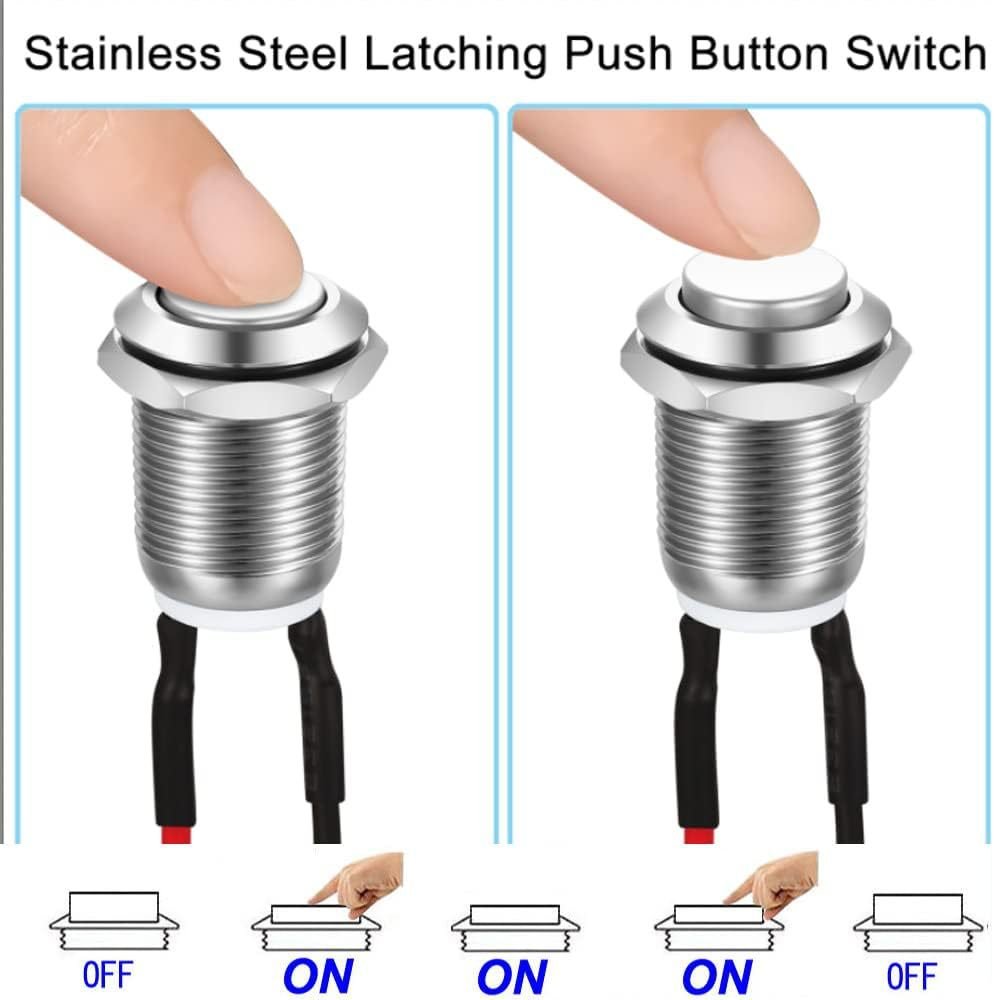
A standard push button switch is a momentary, automatic-reset component. It triggers the circuit only while pressed and returns to its original state the moment it is released. In contrast, a conventional switch uses a self-locking mode: one operation turns the circuit on, and a second turns it off.
Common self-locking parts include maintained push buttons, two-position and three-position rotary switches, and rocker switches. Therefore, choosing between momentary and maintained action is the first step in any correct application. Beyond these basics, industrial systems add specialized types such as emergency stop, illuminated, and modular contact units.
Main Types of Push Button Switch and Indicator Light
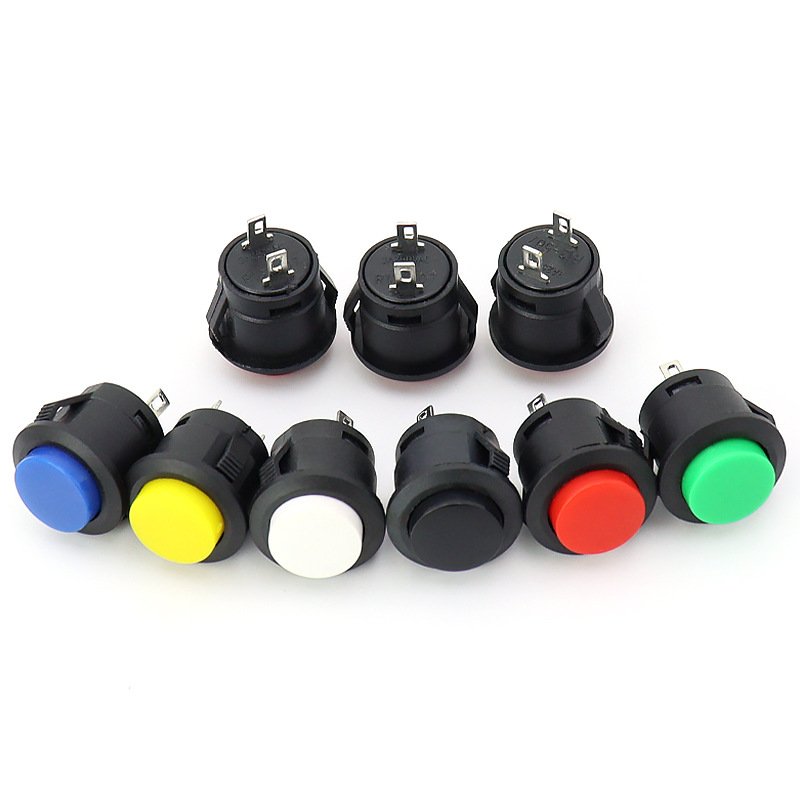
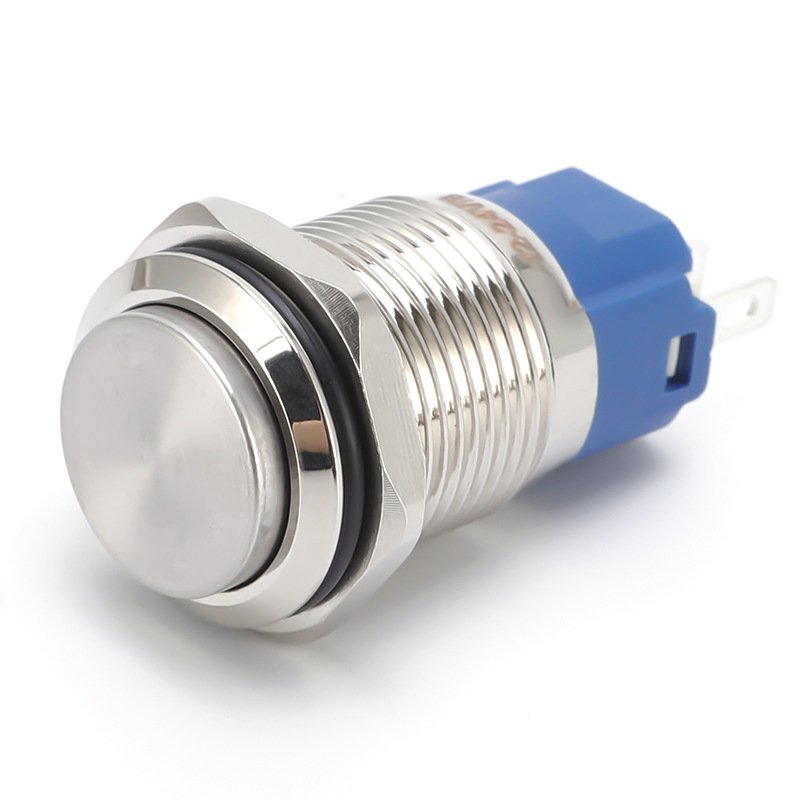
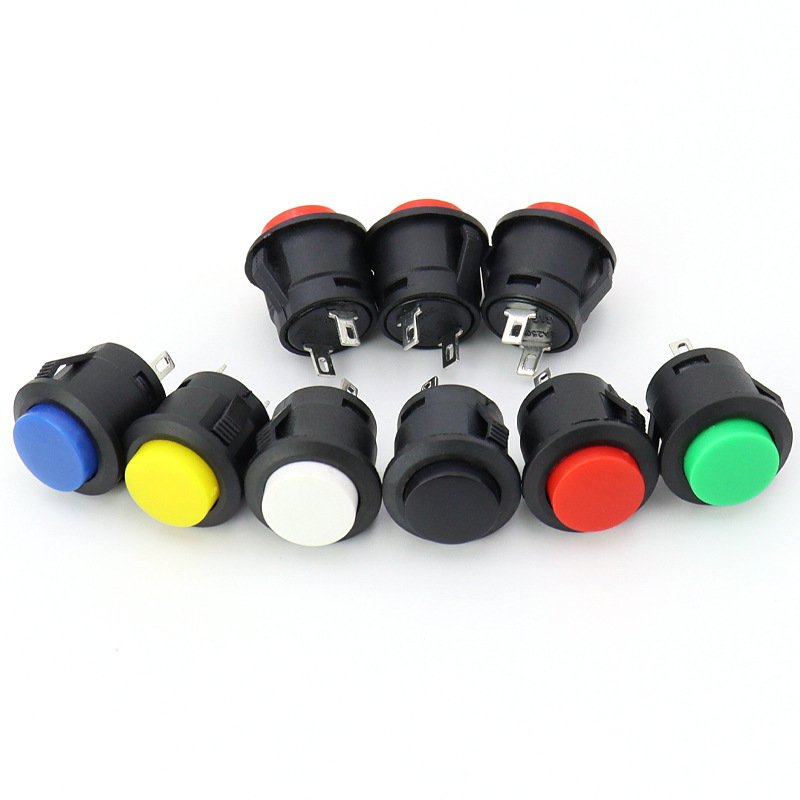
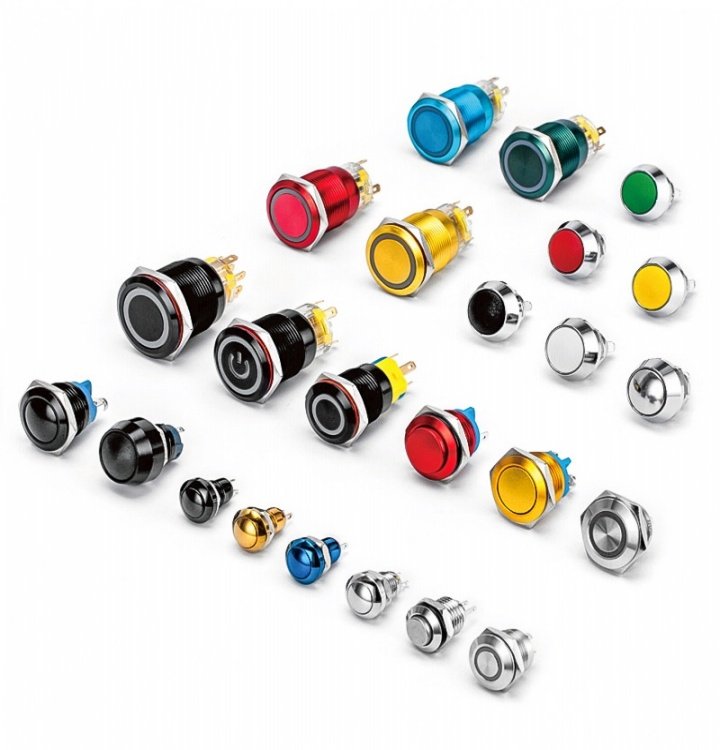
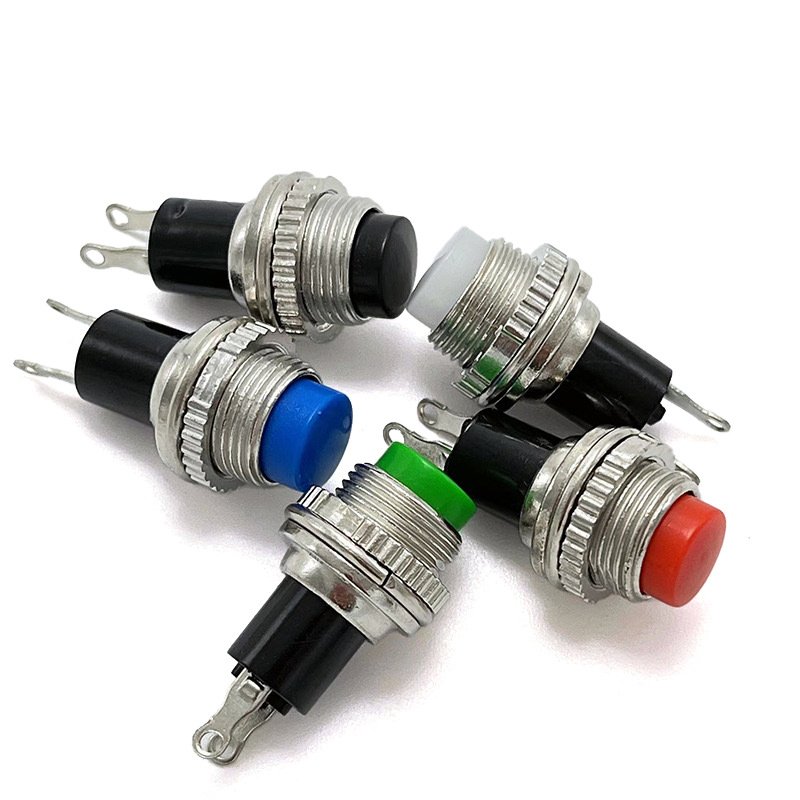
The industrial market offers a complete classification system. First, ordinary flat push buttons are the most common type. They come in automatic-reset and self-locking series, with flat, convex, concave, shielded, or mushroom head shapes.
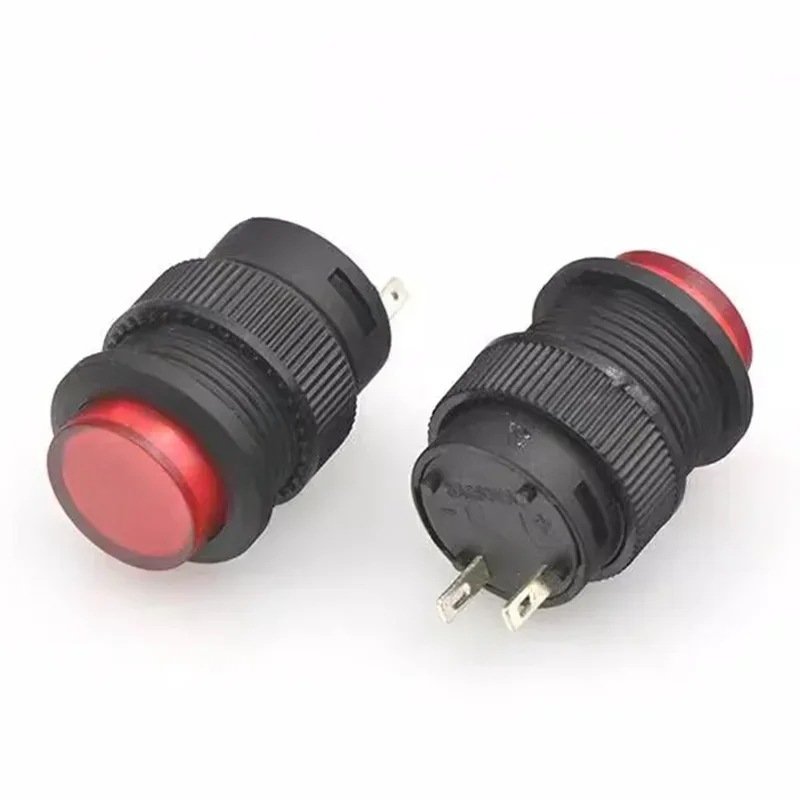
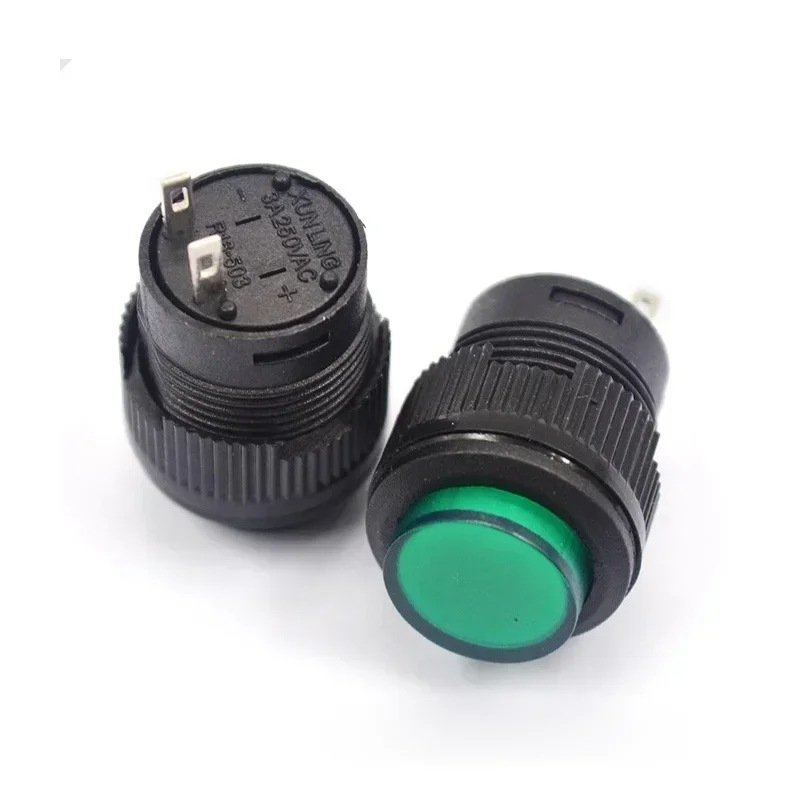
Second, illuminated buttons and separate indicators use integrated LED bulbs or standard BA9S bulbs for stable light prompting. In addition, multi-head buttons (double or triple) exist but are rarely used in standard equipment because of their complex structure.
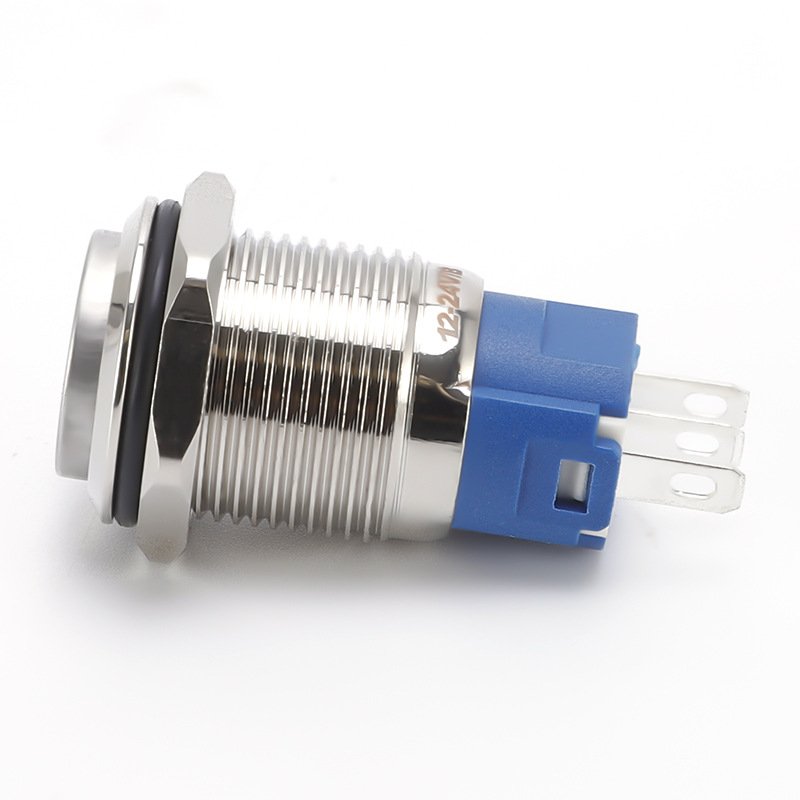
Moreover, the emergency stop button is a safety-critical part. It uses a red mushroom head in 30mm, 40mm, or 60mm sizes, with 40mm being the mainstream industrial specification. For anti-misoperation control, rotary selector switches are available in short-handle, long-handle, illuminated, and key-locked versions. You can compare the full range of Push Button Switch products to match your application.
Key Technical Parameters for Push Button Switch Selection
Professional selection relies on standardized technical parameters. Core specifications include mounting hole diameter, button functional type, color, shell material, contact configuration, and industry certification. For example, the actual panel opening is usually 0.5mm larger than the standard diameter.
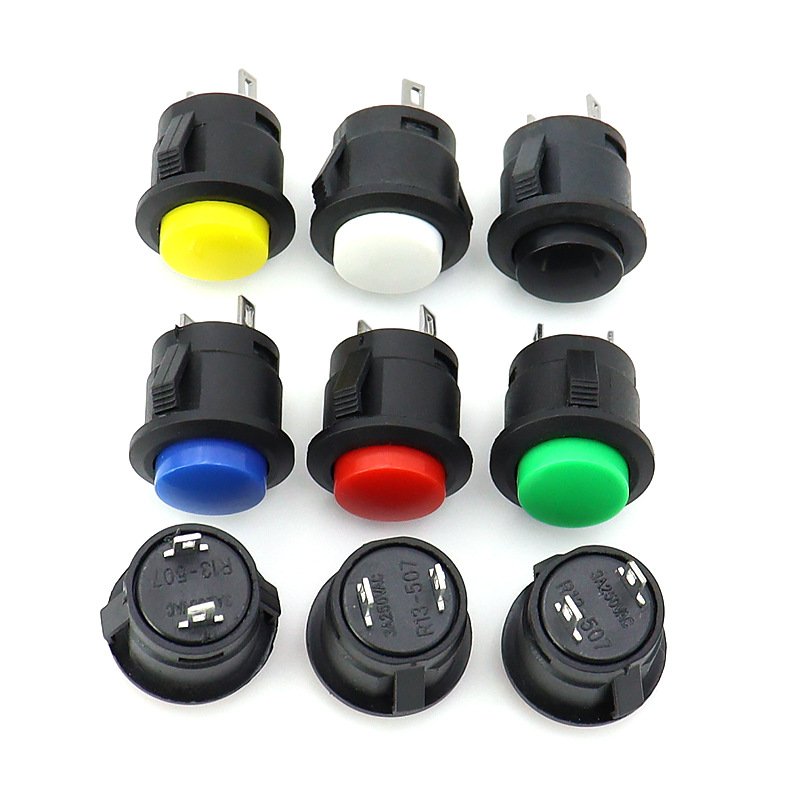
Each color follows a fixed safety rule. Green means start and normal operation. Red means stop and emergency stop. Yellow indicates warning or standby. Blue is used for functions such as fault reset and parameter clearing. As a result, color coding alone prevents most wiring and operation mistakes.
How to Choose the Right Push Button Switch in 6 Steps
A standardized process ensures stable equipment operation. First, confirm the mounting hole size from the panel volume. Then, select a high-end series such as Schneider XB4 or XB5 for premium equipment, or stainless steel for hygienic environments.
Next, choose the color by functional logic, and configure the number of NO/NC contacts by circuit demand. Finally, select CE, UL, or CSA certification according to the export destination. In this way, every component matches both the panel and the safety standard.
Push Button Switch Installation and Maintenance Tips
Standardized installation protects the whole control system. Buttons should be arranged left-to-right or top-to-bottom in startup sequence, with firm mounting and reliable wiring. Operators must keep contact surfaces clean to avoid oil-induced short circuits, and control cabinets need complete grounding.
For high-temperature areas, use heat-resistant materials to prevent plastic aging. In particular, emergency stop buttons must have prominent red mushroom heads and heightening baffles to block accidental touch. By following these rules, the electrical control system stays safe and stable.
Conclusion
A push button switch with its matching indicator light is more than a simple part. It is the safest bridge between people and high-power equipment. By understanding types, parameters, and installation rules, you can build reliable, compliant, and easy-to-maintain control panels.
FAQ
Q1: What is the difference between a push button switch and a normal switch?
A push button switch is momentary and resets after release, while a normal switch is self-locking and keeps its state after one press.
Q2: What do the colors of push button switches mean?
Green means start, red means stop or emergency, yellow means warning or standby, and blue means functional actions such as fault reset.
Q3: What is the standard mounting hole size for industrial push buttons?
The most widely used industrial standard is 22mm, while 16mm and 19mm are also common for compact or specific panels.
3 thoughts on “Push Buttons and Indicator Lights: Functions, Types, Parameters and Complete Selection Guide”